






PHYSICIANS
Instant patient data for physicians
Save costly physician time with faster consult requests and instant access to staff and EHR data.
IT TEAMS
Secure, integrated with sky-high uptime
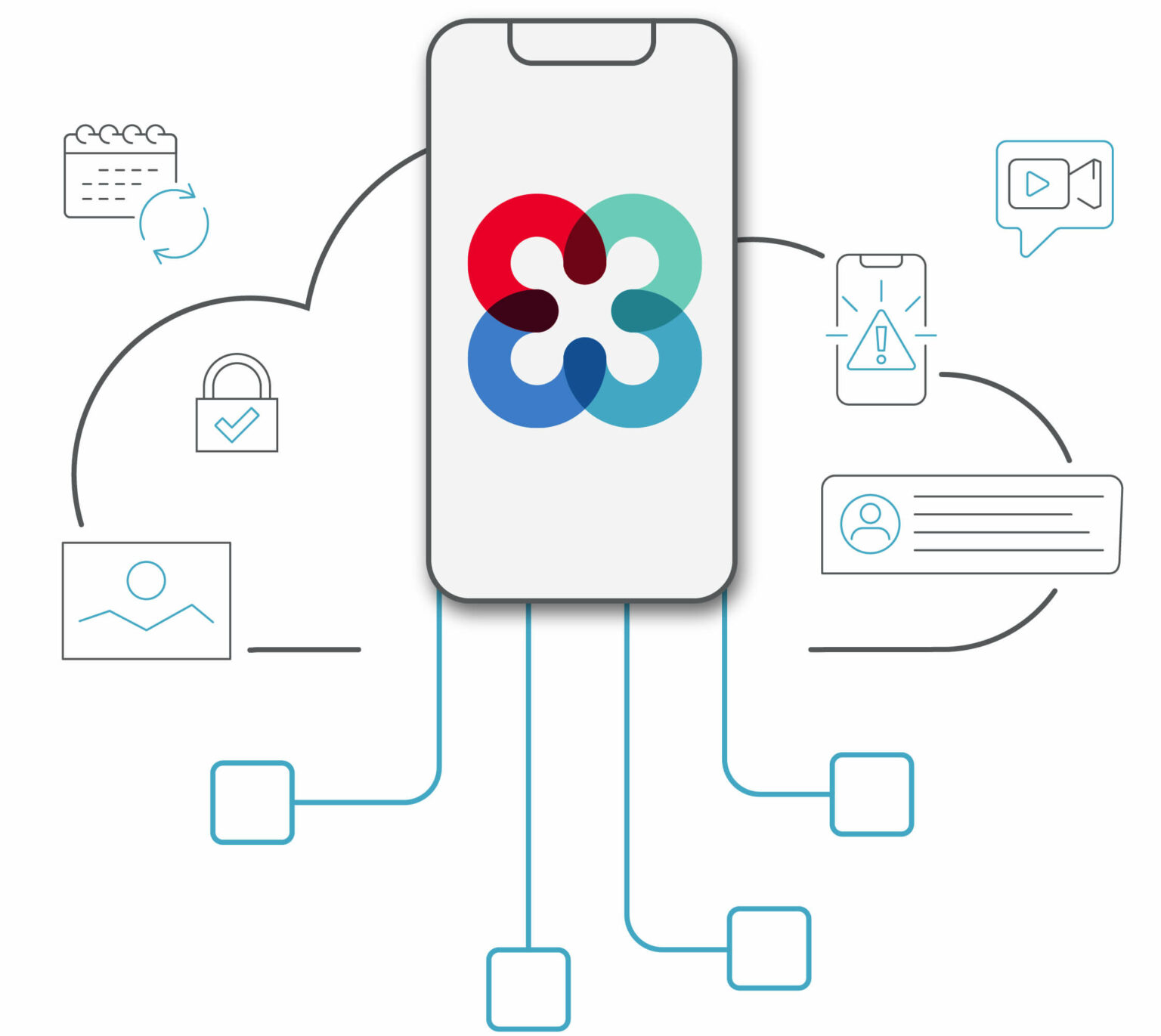
Move to the cloud for a scalable, easy-to-manage, integrated, all-in-one solution.
NURSE TEAMS
A solution built for the way nurses work
Reduce alarm fatigue and staff turnover with modern collaboration and alarm management solutions.
EXECUTIVES
Technology for true digital transformation
Bring your organization into the 21st century while containing costs and optimizing staff resources.
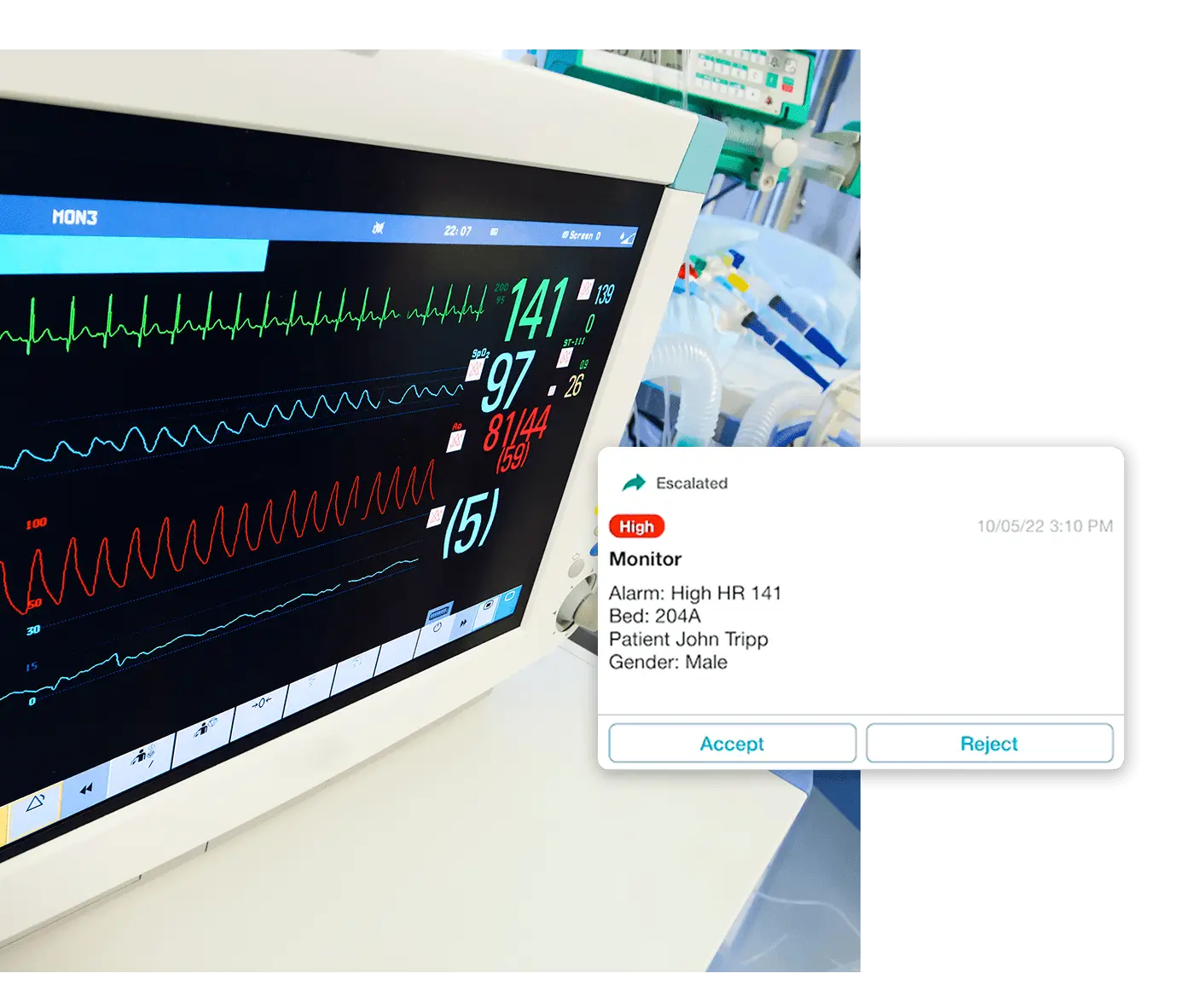
Instant Alerts From Any System
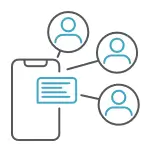
Stay ahead of patient needs with instant, intelligently routed, patient-centric alerts and alarms. Receive and respond to nurse call requests, physiologic alarms, and critical results from anywhere on the hospital floor.
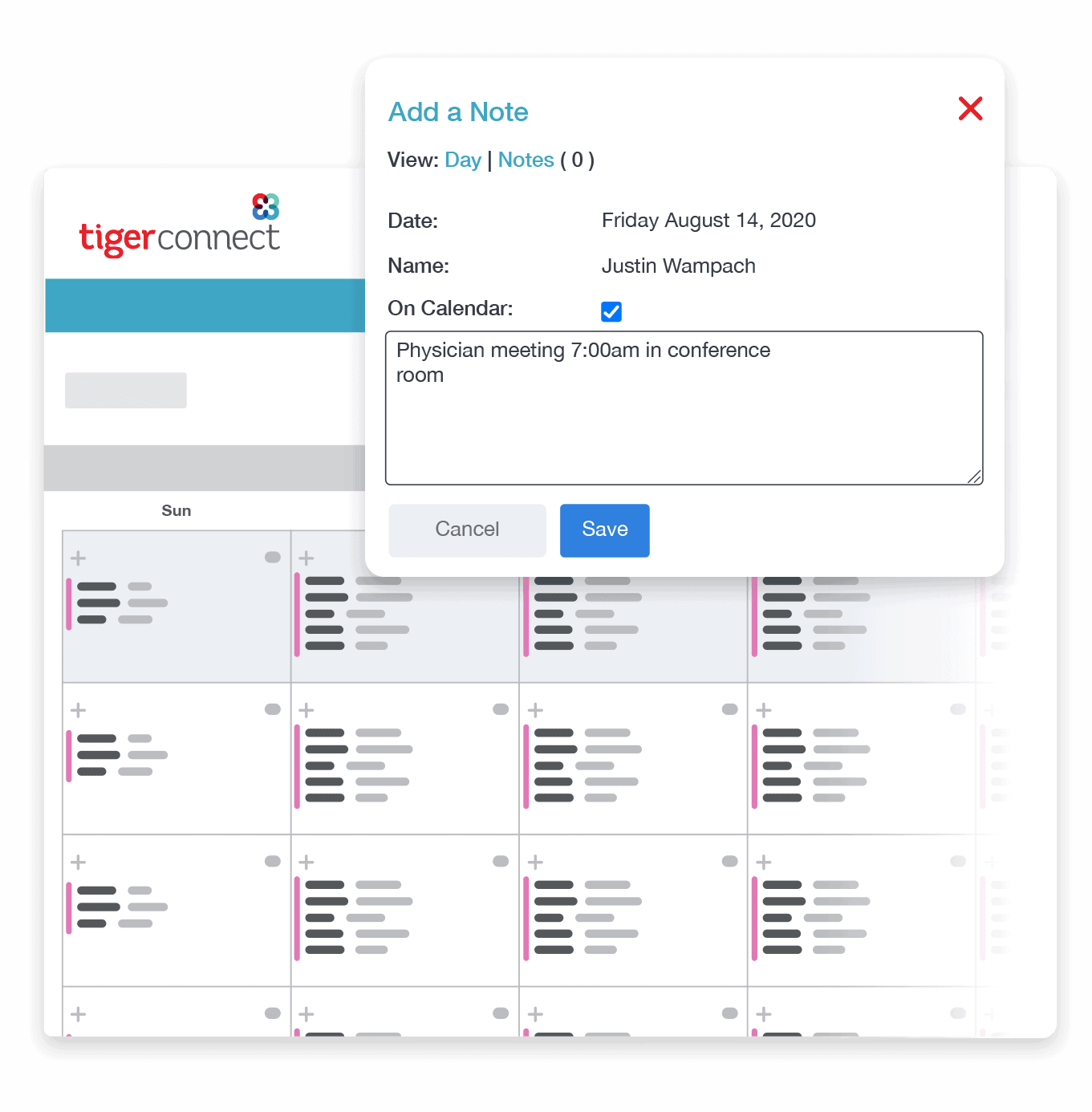
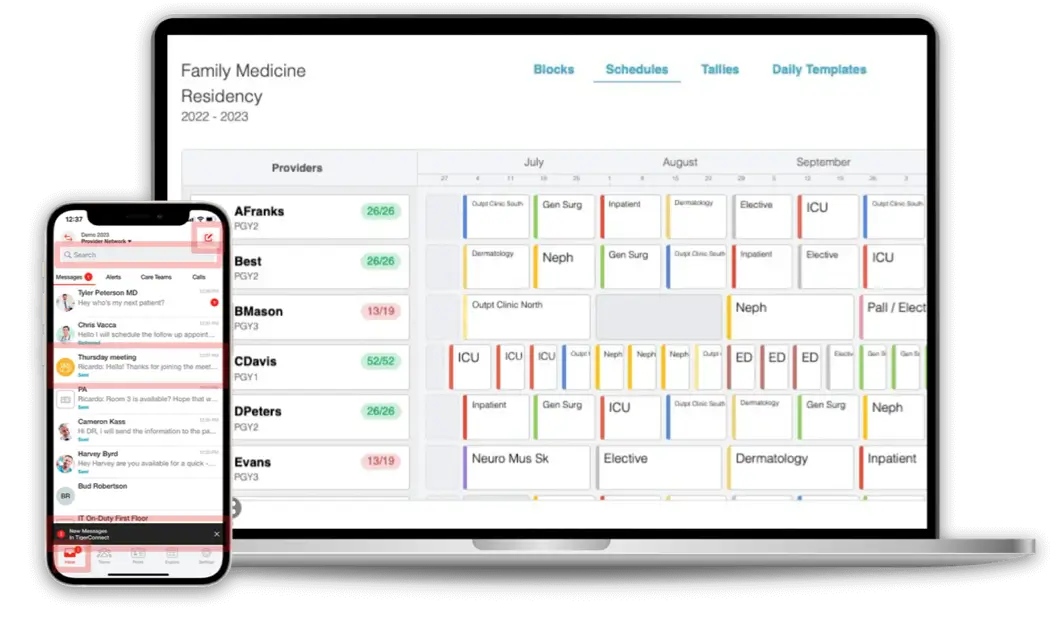
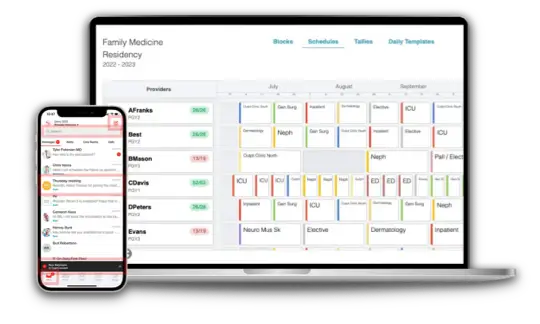
Automate Your Physician On-Call Scheduling
Trade spreadsheets for a true, purpose-built, on-call scheduling system. Build a year of schedules in under a minute. Distribute call assignments fairly, swap shifts directly, and automatically block appointments for time off.
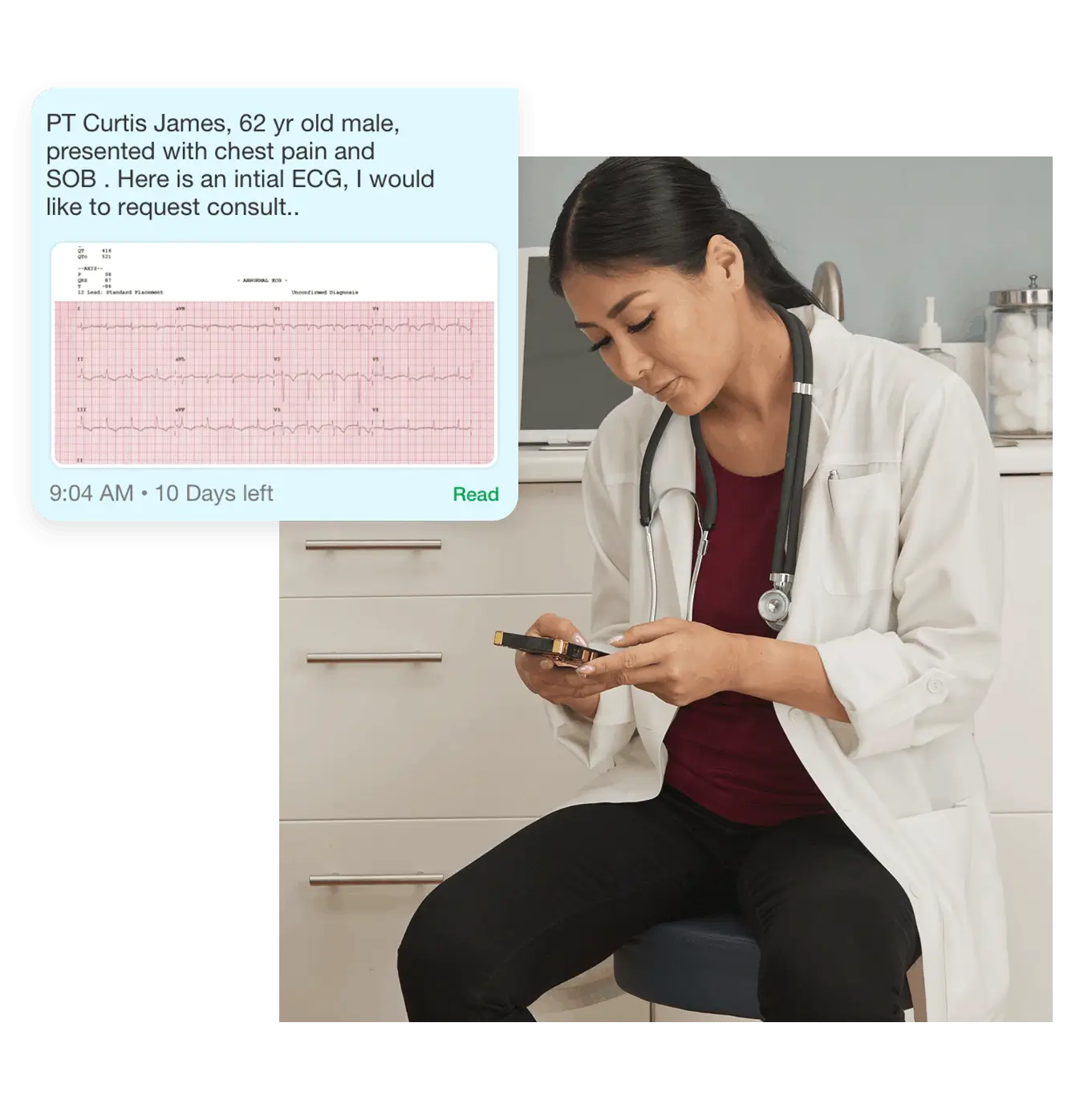
Improve healthcare team collaboration
Optimizing your clinical workflows turns seconds saved into lives saved, faster patient throughput, reduced length of stays and more.





Celebrating Nurses Month 2024: Nurses at the Heart of Healthcare Awards
This Nurses Month, TigerConnect is thrilled to announce the third annual Nurses at the Heart of Healthcare Awards program, allowing us to ...

Breaking Down Clinical Communication Barriers at Trinity Health System
Ensuring clear and efficient communication between healthcare providers is essential for delivering optimal patient care. However, fragmented communication channels and outdated technology ...
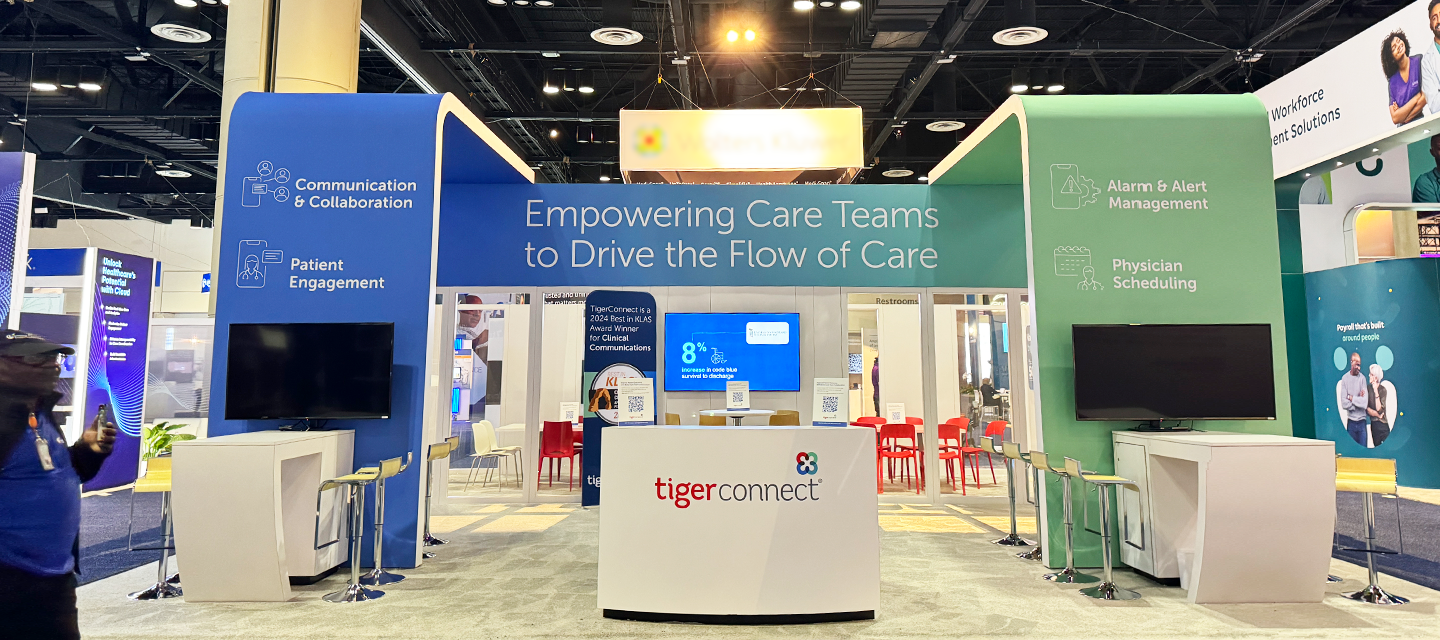
Key Takeaways from HIMSS24: Shaping the Future of Healthcare Together
Discover how collaboration is at the forefront of the main takeaways from HIMSS24, the most anticipated health information technology event of the ...